Website maintenance after launch — what does it actually include?
Publishing a website is not the end of the technical work. Backups, security, updates, monitoring and occasional changes determine whether the site stays stable, fast and safe months and years after launch.

Why does a website need maintenance when everything already works?
The environment around a website keeps changing. Browsers update, dependencies receive security fixes, hosting platforms evolve, APIs change and new content or tracking scripts are added.
A website can look unchanged while the technical conditions around it have moved. Maintenance keeps those changes from turning into downtime or security issues.
What does website maintenance actually include?
- Regular backups and restore checks
- Software and dependency updates
- Security monitoring and access reviews
- Uptime and error monitoring
- Performance checks after major changes
- Content and configuration updates
- Technical support and further development
A backup is not the same as “we have a copy somewhere”
A useful backup has a clear schedule, a retention period and a tested restore process. If the only copy sits on the same server as the website, a server failure can affect both the live site and the backup.
The important question is not whether a backup exists, but whether the website can actually be restored quickly when needed.
Security is not a one-time setting
Strong passwords, access control and sensible configuration are important at launch, but vulnerabilities and attack patterns change over time.
Maintenance includes keeping software current, limiting unnecessary access and watching for behaviour that may indicate a problem.
Monitoring solves problems before a customer reports them
Uptime checks, application logs and error monitoring can reveal a failed form, broken API request or server issue before it becomes a stream of customer complaints.
Monitoring is particularly important when the website depends on external services such as payments, email or booking APIs.
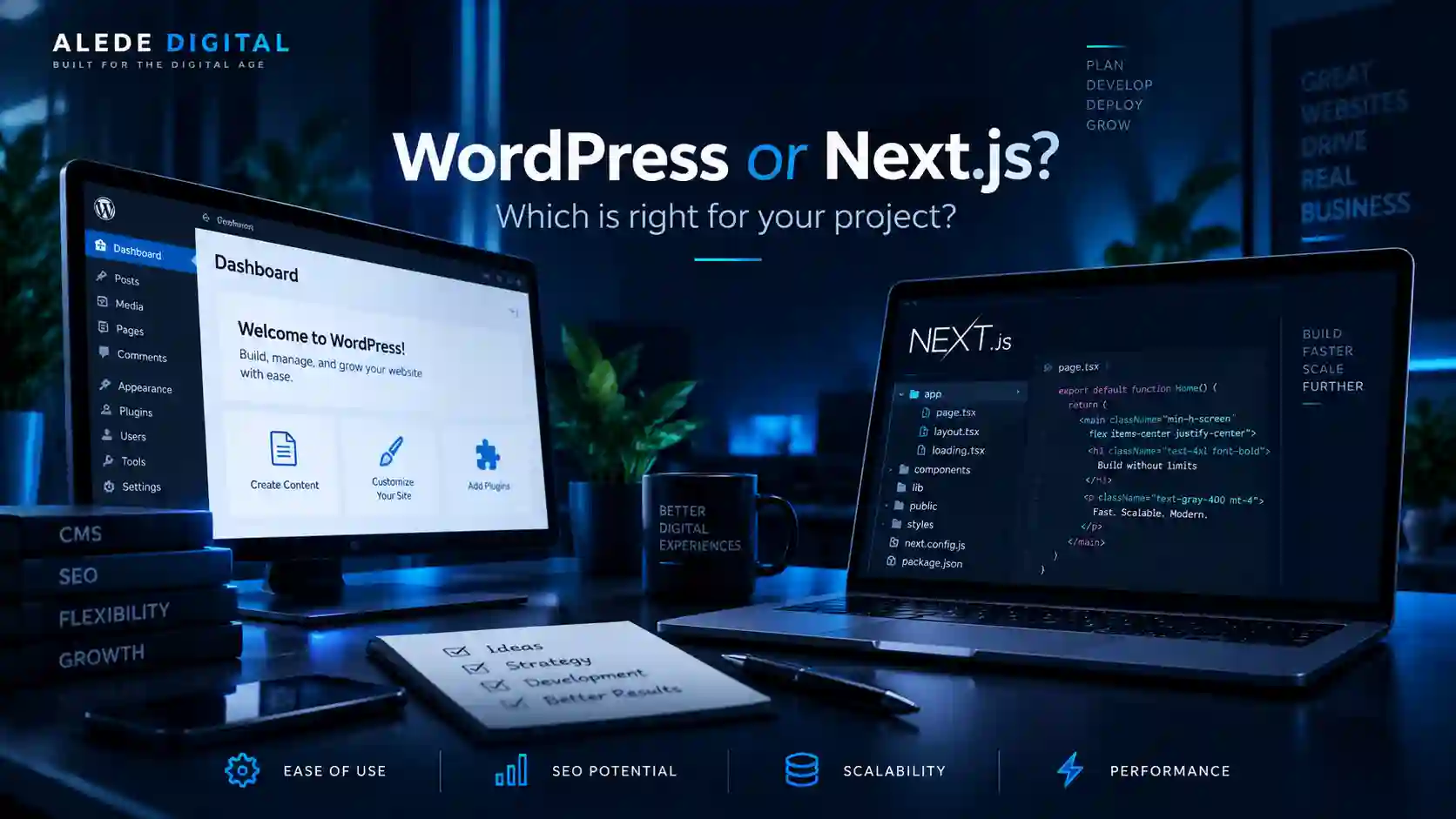
WordPress and Next.js maintenance are not the same
WordPress maintenance usually focuses on core, themes, plugins, backups and compatibility after updates. Next.js projects focus more on package dependencies, hosting, builds, APIs, databases and application code.
Neither model is maintenance-free. They simply have different moving parts.
How much maintenance is sensible?
| Level | Typical need |
|---|---|
| Basic care | Backups, updates, uptime and security checks for a stable business website. |
| Active support | Basic care plus regular content/configuration changes and faster response. |
| Ongoing development | Monitoring, support, integrations and planned feature development for a business-critical system. |
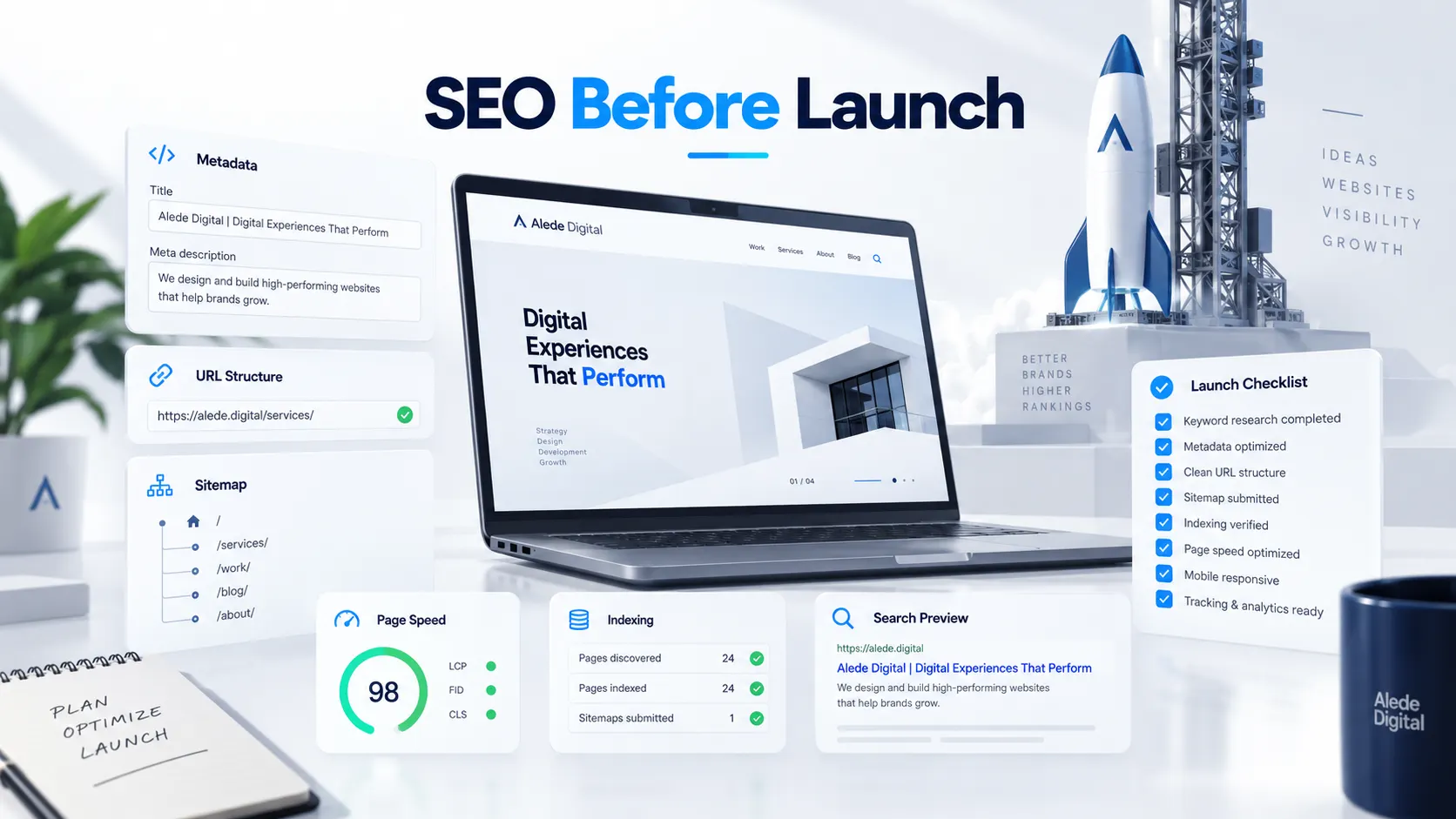
SEO and maintenance overlap more than they appear to
Broken links, accidental noindex rules, slow pages, unavailable resources and bad redirects are technical issues that can also damage search visibility.
Maintenance therefore supports SEO by keeping the technical foundation healthy while content and the website evolve.
What should be checked after a major change?
- Important pages still load correctly
- Forms and email delivery work
- Analytics and conversion tracking still fire
- Canonical and indexation rules have not changed accidentally
- Mobile layout is intact
- Core flows and integrations still work
Conclusion
A reliable website is not one that never changes. It is one that can change without becoming unpredictable. Maintenance provides the backups, monitoring, updates and support required to keep that stability.
For a small website the process can be lightweight. For a business-critical platform it should be treated as part of the product, not as an emergency service used only after something breaks.
Need ongoing support after launch?
We can help with backups, monitoring, updates, technical fixes and the next stages of development.
Related articles