WordPress vs Next.js — which is better for your project?
If you are choosing between WordPress and Next.js, the useful question is not which one is “better”. The useful question is what you are building, who needs to manage it and how far the project is expected to grow after launch.
What is the main difference?
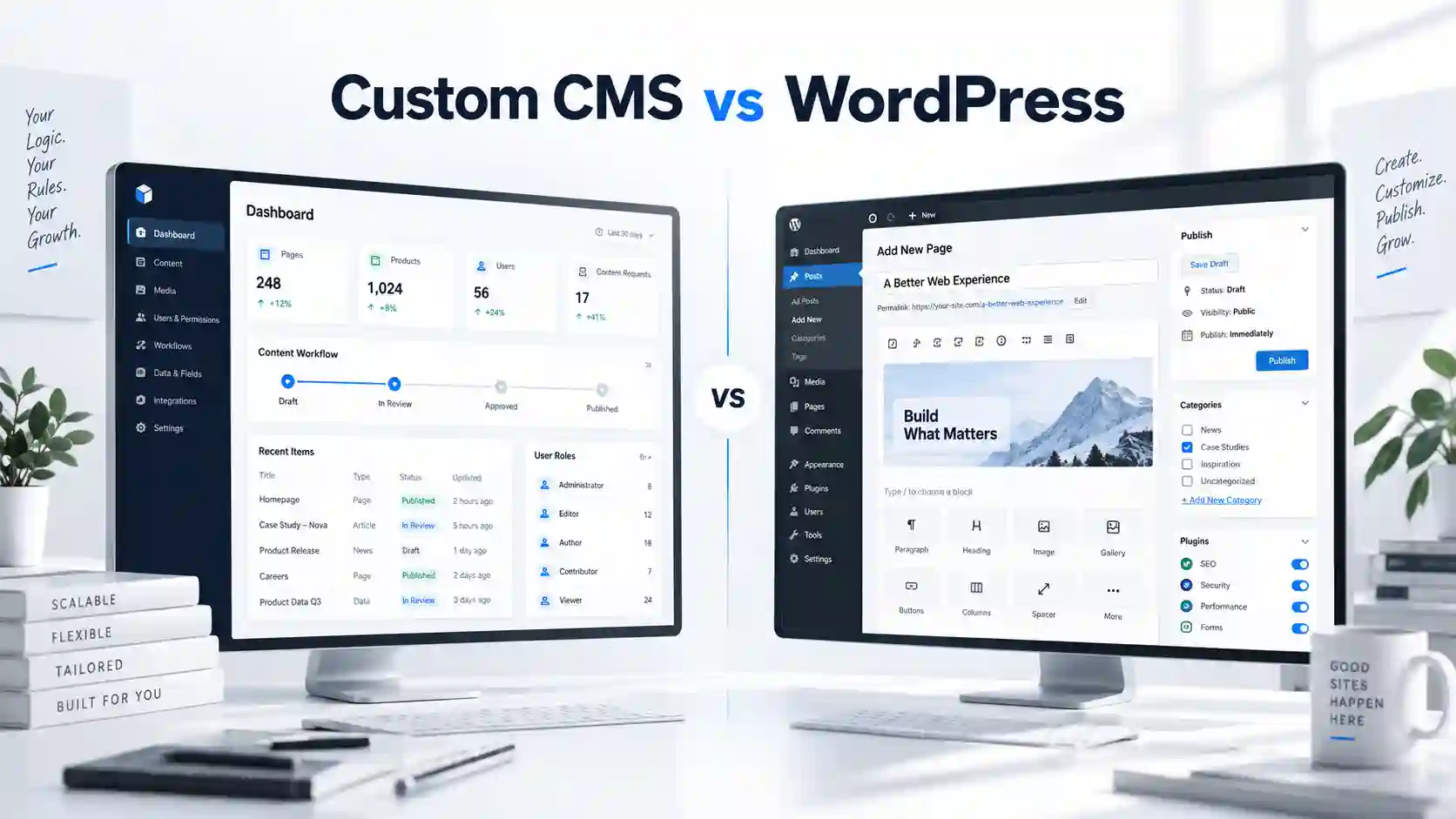
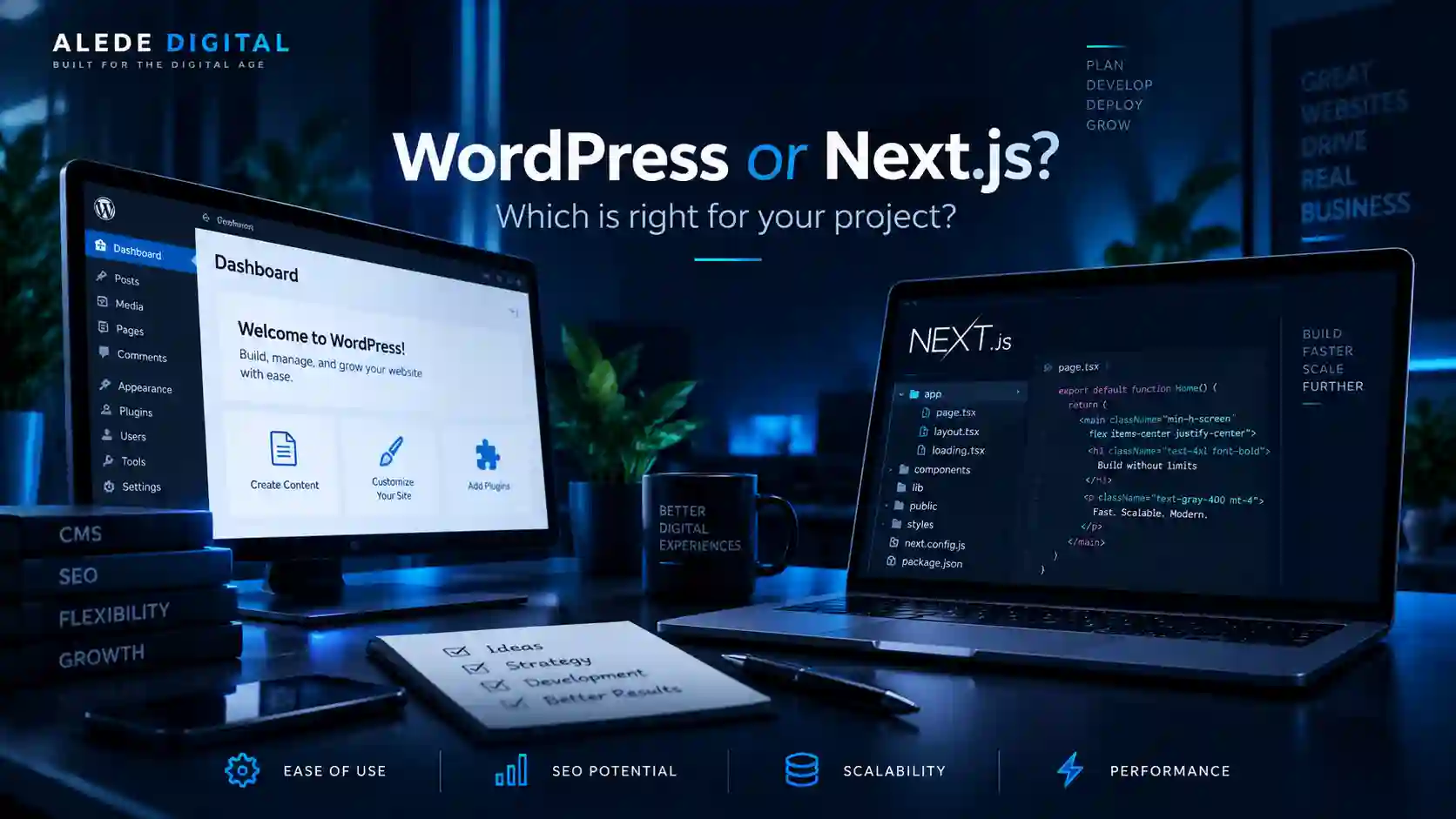
WordPress is a complete content management system. It already includes an admin area, pages, posts, media, users and a large ecosystem of extensions. That makes it possible to launch many standard business websites quickly without building every editorial feature from scratch.
Next.js is a web application framework. It gives the development team much more control over the frontend, data flow and application architecture, but the CMS, database and administration are separate decisions. That extra freedom is valuable when the project goes beyond a conventional website.
When WordPress makes more sense
WordPress is particularly strong when the core job of the website is publishing and managing content: services, landing pages, articles, case studies, locations, team profiles or other information that changes regularly.
If the client needs to log in and edit that content without touching code, WordPress solves a large part of the problem out of the box.
- Business websites with regularly edited content
- Blogs, news sections and content portals
- Projects where editors need a familiar CMS
- Sites where launch speed and budget matter more than custom application logic
When Next.js makes more sense
Next.js becomes more attractive when the interface and the system behind it need to be designed around a specific product or workflow. User accounts, dashboards, booking logic, advanced search, custom APIs and data-heavy interfaces are examples where a framework-first approach often stays cleaner.
It is also a strong choice when the website is only one part of a broader digital system and the frontend needs to consume data from a custom CMS, a headless CMS or an internal API.
- Web applications and dashboards
- Projects with custom business logic
- Complex integrations and several data sources
- Products expected to grow into a larger digital system
Performance and SEO
Both technologies can produce excellent SEO results. WordPress is not automatically slow and Next.js is not automatically fast. Performance depends on architecture, hosting, image handling, scripts, plugins and the quality of the implementation.
Next.js gives developers very fine control over rendering and the amount of JavaScript shipped to the browser. WordPress can also perform extremely well when the theme, plugins, caching and media are handled carefully. For SEO, clean structure and useful content still matter more than the logo on the technology stack.
CMS and content editing
WordPress has the advantage of a built-in editorial experience. Pages, media, users and publishing workflows are already available and can be extended where needed.
With Next.js, content can come from a headless CMS, a custom CMS or a database. That means the administration can be shaped around the business instead of around a generic publishing model, but it also means more design and development work.
Maintenance and security
WordPress maintenance usually includes updates to the core, theme and plugins, backups, security monitoring and checks after major updates. A well-managed site can remain stable for years, but ignoring updates is not a good strategy.
Next.js has a different maintenance model. There may be fewer traditional plugins, but dependencies, hosting, APIs, databases and external services still need attention. Maintenance does not disappear; its nature changes.
Where the real cost difference appears
For a standard business website, WordPress can reduce development time because the CMS and many common features already exist. Building the same editing experience around a custom Next.js project can cost more because those parts must be connected or developed.
On a more complex product, the balance can reverse. If WordPress has to be forced into application behaviour through many plugins, exceptions and workarounds, a custom architecture may be easier to maintain and extend in the long run.
WordPress vs Next.js — quick comparison
| Area | WordPress | Next.js |
|---|---|---|
| Project launch | Usually faster for standard websites | More custom development |
| CMS | Built in | Connected or custom-built |
| Custom functionality | Possible, depends on architecture | Highly flexible |
| Content editing | Very straightforward | Depends on CMS solution |
| Web applications | Not usually the first choice | Excellent fit |
| Long-term growth | Strong for content-led websites | Strong for systems that keep expanding |
What would we choose in common situations?
| Project | Typical direction |
|---|---|
| Small or medium business website | WordPress, unless there are unusual workflows or integrations. |
| Content portal | WordPress or Next.js + CMS, depending on scale and functionality. |
| Booking platform or member portal | More often Next.js or another custom application approach. |
| Web application / dashboard | Next.js. |
| Simple presentation website | No reason to pay for custom application development by default. |
Conclusion
There is no universal winner. The right technology is the one that matches the work behind the website. WordPress can be excellent when content needs to be managed quickly and reliably. Next.js gains the advantage when the project needs more freedom, application features and a development path beyond a conventional website.
We choose the technology only after we understand what the user needs to do, what the business needs to manage behind the scenes and what the project is likely to need a year or two from now.
Have a project but are not sure which approach fits?
Tell us what you want to build. We will recommend the approach that makes sense and explain why.
Related articles