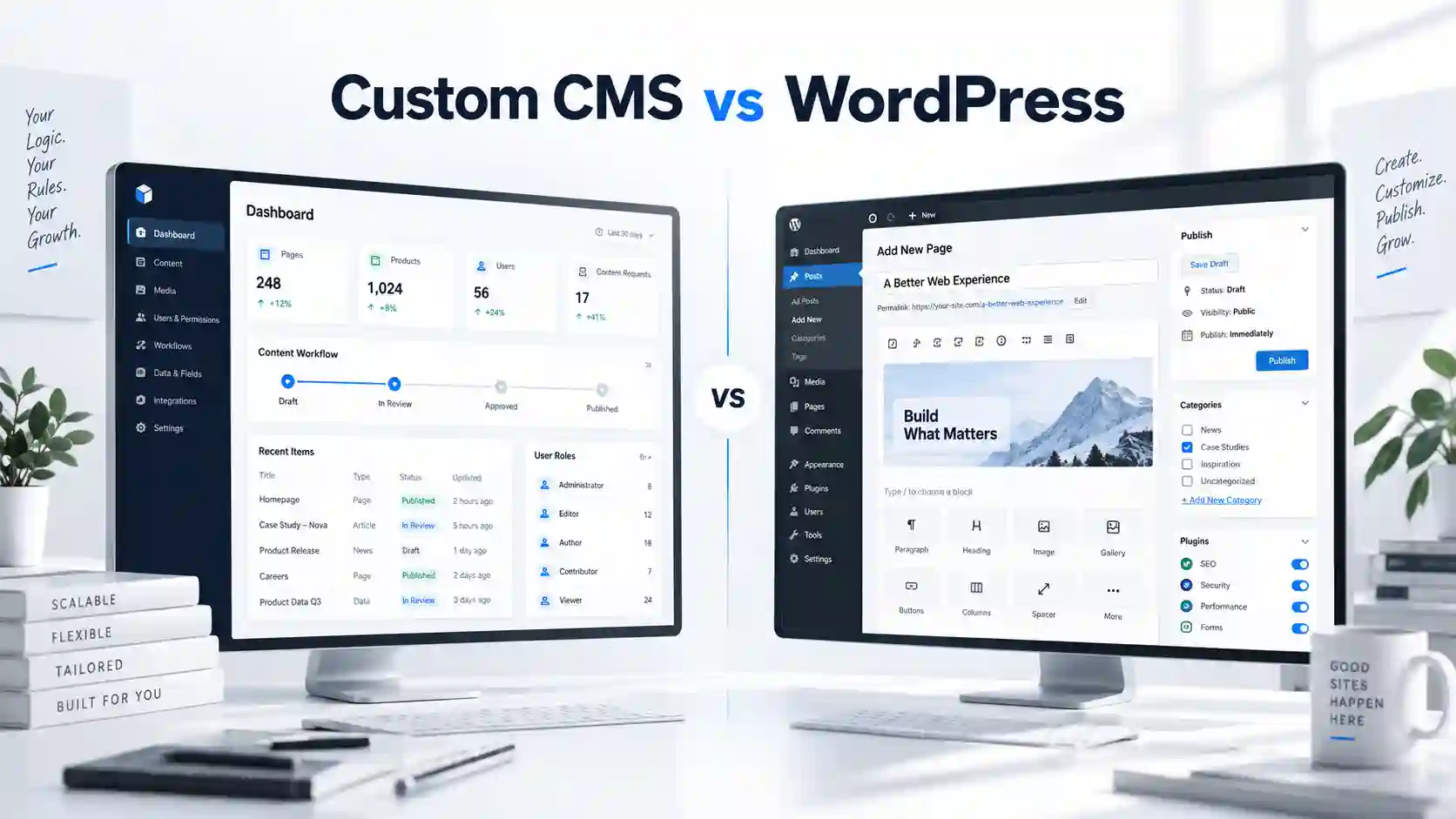
Custom CMS vs WordPress — when does building your own system make sense?
A custom CMS is not automatically better than WordPress. It becomes the better choice when the business has data, roles, approvals or workflows that a general-purpose CMS cannot represent cleanly.
What does “custom CMS” actually mean?
A custom CMS is an administration system designed around the data and actions a specific business needs. Instead of starting with pages and posts, it can start with bookings, profiles, listings, rooms, orders, documents, approvals, service requests or any other real business object.
The goal is not to build a different-looking WordPress. The goal is to create a working tool that removes unnecessary steps and gives each user exactly the actions they need.
When WordPress is more than enough
WordPress is an excellent choice when the website mainly consists of pages, services, articles, references and other content that editors need to update regularly. Its mature admin interface solves those tasks very efficiently.
Building a custom system for a standard content website can increase cost without creating meaningful business value.
- Company and service websites
- Blogs and editorial content
- Projects with standard publishing workflows
- Teams that want a familiar admin interface
When a custom CMS starts to make sense
The case for a custom CMS becomes much stronger when the admin panel needs specific data structures, multiple user roles, statuses, approvals, audit history, automated actions or integrations with other systems.
At that point the administration is no longer a side feature. It is part of the product itself, and forcing a generic CMS to imitate that process can create more complexity than it removes.
- Several roles with different permissions
- Approval and status workflows
- Structured data used by both website and internal team
- Integrations with CRM, payments, email or external APIs
Administration: fewer options can be an advantage
A good internal tool should not expose every possible setting. It should show the user the fields and actions required for the next step. That reduces errors and training time.
In a custom CMS, the interface can be deliberately limited to the workflow the team actually follows. Editors do not need to understand how the system is built in order to use it safely.
Flexibility and integrations
WordPress can integrate with many third-party services and can be extended significantly. The question is not whether it can be done, but whether the final architecture remains clear and maintainable.
A custom CMS provides more freedom when several systems need to share the same data or when the public website, internal dashboard and external integrations all rely on one structured source of truth.
Development cost: where is the real difference?
WordPress usually starts with a lower development cost because the CMS, users, media library and many common publishing functions already exist. A custom CMS has to define these building blocks around the project.
The calculation changes when a business would otherwise need many workarounds, plugins and manual processes. A system that saves time every day can justify a higher initial development cost because it solves more than website editing.
Maintenance and long-term development
WordPress maintenance is centred around core, theme and plugin updates, backups and security checks. Custom systems have fewer generic moving parts, but the application code, dependencies, hosting and integrations still need maintenance.
The advantage of a well-built custom CMS is that new modules can follow the same data model and permissions instead of being added as unrelated extensions.
Custom CMS vs WordPress — quick comparison
| Area | WordPress | Custom CMS |
|---|---|---|
| Initial setup | Usually faster | More planning and development |
| Admin experience | General-purpose content management | Built around the workflow |
| Custom data | Possible with extensions | Designed natively |
| Roles & approvals | Available, may need plugins | Designed to exact rules |
| Integrations | Large ecosystem | Full control over integration logic |
| Best fit | Content-led websites | Business-specific systems and workflows |
What would we choose in common situations?
| Situation | Typical direction |
|---|---|
| Company website with blog | WordPress. |
| Portal with many structured profiles | Depends on workflow; WordPress or custom CMS. |
| Internal approval system | Custom CMS. |
| Booking or operational dashboard | Custom CMS / web application. |
| Simple site editors need to update | WordPress. |
Conclusion
A custom CMS makes sense when it solves a real operational problem that a standard CMS does not solve well. If the goal is simply to give a different name to an admin panel that behaves like WordPress, the extra development is hard to justify.
When the project has specific data, rules, permissions, integrations and business flows, a custom CMS can turn a complicated process into a clear working tool. That is where its value becomes much larger than the technology used to build it.
Not sure whether you need WordPress or a custom CMS?
Tell us how you currently work and what the system needs to support. We will suggest the approach that makes sense.
Related articles